Storyboard Symbols and Visual Language — The Cheat Sheet
The arrows, labels and shorthand symbols every storyboard uses — explained for producers, directors and agency creatives. Bookmark this.
Why storyboards use symbols at all
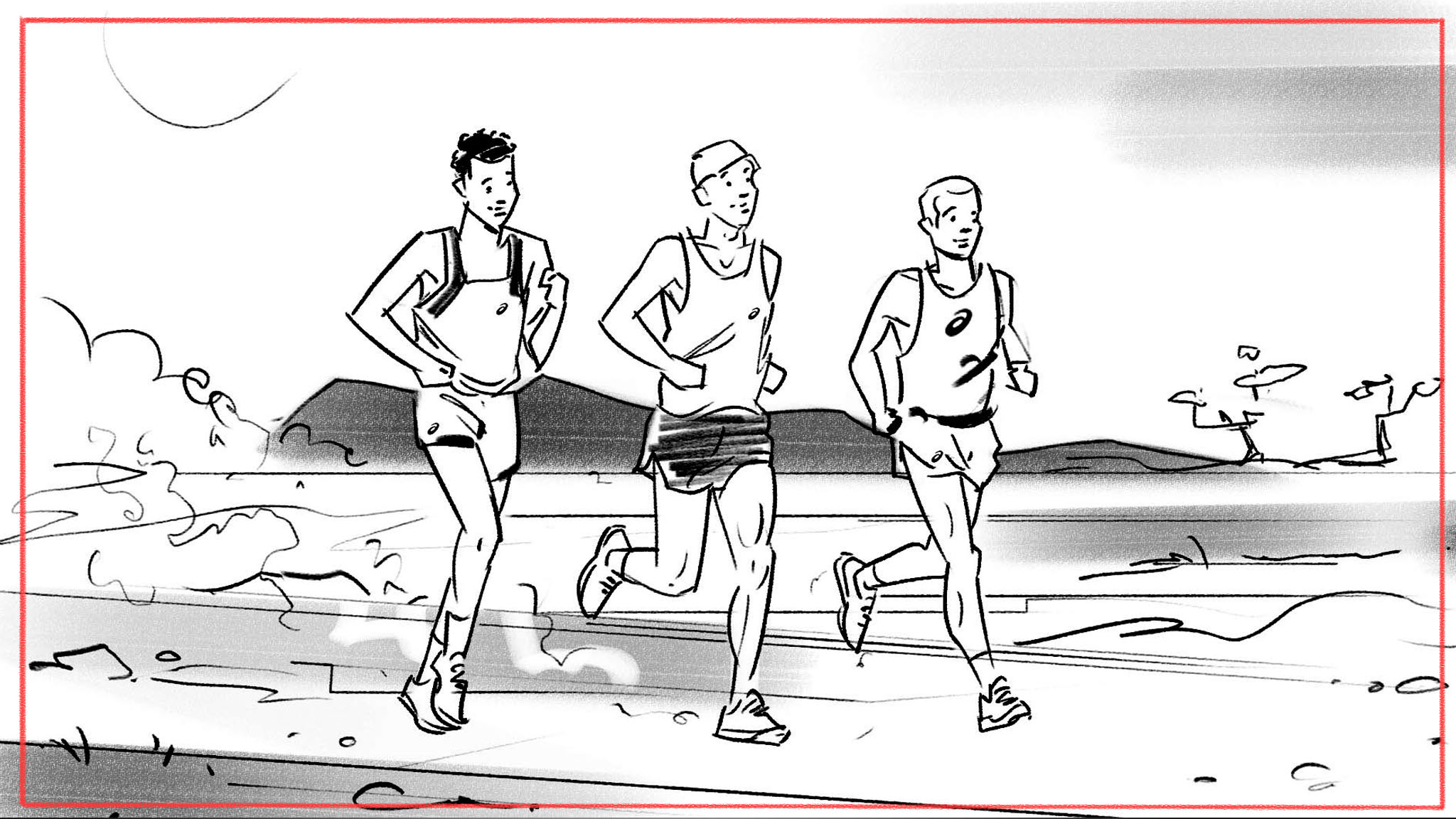
A storyboard isn't an illustration — it's a working document. It carries information about camera, character action, shot size, transition and audio that a picture alone can't express. Symbols get that information onto the page without doubling the frame count. Once you know the vocabulary, a storyboard reads like sheet music.
The conventions below are the UK industry standard in 2026. There's mild regional variation — some animation studios differ slightly, some agencies simplify for client review — but the core vocabulary is consistent.
The camera-move vocabulary
Camera moves are the most-used symbols on a storyboard. The standard conventions:
- Solid arrow inside the frame — character or object movement, in the direction of the arrow.
- Dashed arrow inside or outside the frame — camera movement. Dashed lines specifically signal "the camera moves," distinct from in-frame action.
- Push-in / pull-out — drawn as a smaller dashed rectangle inside the frame (push-in) or larger outside (pull-out), with arrows showing direction.
- Pan left / pan right — horizontal dashed arrow at the top or bottom of the frame.
- Tilt up / tilt down — vertical dashed arrow on the side of the frame.
- Dolly (lateral track) — dashed arrow with a wedge or marker indicating that the whole camera is travelling, not just panning.
- Crane / boom — usually written as a label ("CRANE UP") rather than symbolised, because the move is too complex to draw cleanly.
- Whip pan — a wavy or motion-blurred line indicating rapid camera rotation.
The most common artist error: drawing a solid arrow when a dashed one is meant. The most common reader error: confusing in-frame action arrows with camera moves. Careful storyboards add a small legend on the first board whenever unusual notation is used.
Character and action symbols
- Solid arrow on a character — character moves in that direction
- Curved arrow — character rotates or turns
- "Z"-shaped lightning bolt — quick / impact movement (a fall, a punch, a sudden turn)
- Sweat / motion lines — running, exertion, urgency
- Eyeline arrow — short arrow from a character's eyes to what they're looking at (helps the editor track gaze direction across cuts)
- Speech bubble — rarely used in shooting boards (dialogue is annotated below the frame) but common in animatic-ready boards
Shot-size conventions
Shot sizes are usually labelled in the annotation below the frame rather than symbolised. The standard abbreviations:
- ECU — Extreme close-up (eyes or detail only)
- CU — Close-up (face, or a single object filling the frame)
- MCU — Medium close-up (head and shoulders)
- MS — Medium shot (waist up)
- MLS — Medium long shot (knees up)
- LS — Long shot (full body)
- WS / ELS — Wide shot / extreme long shot
- OTS — Over-the-shoulder (the back of a character framing what's seen)
- POV — Point-of-view (camera takes a character's eyes)
- 2-shot / 3-shot — Two or three characters in frame
- Insert — A detail shot inserted into a scene (a hand, a phone, a clock)
UK and US conventions are mostly identical here. Animation-specific abbreviations (BG = background, FG = foreground, MID = mid-ground) appear in animation boards.
Transition symbols
- CUT — usually unmarked (the default between frames)
- DISSOLVE — Two overlapping frame outlines with a blend label
- FADE TO BLACK — Gradient or darkened frame edge with the label
- FADE FROM BLACK — Same in reverse
- WIPE — Annotated; sometimes drawn as a diagonal line across the frame
- MATCH CUT — Two frames with a "match" arrow between them, indicating that the cut is motivated by visual similarity
- JUMP CUT — Usually labelled; specifically called out because it breaks continuity rules
Dialogue and sound notation
Dialogue typically appears in the annotation strip beneath each frame, in CAPITALS for the character name and lower-case for the line. Three common conventions:
- (V.O.) — voiceover (character isn't on screen, voice is heard)
- (O.S.) — off-screen (character is in the scene but not in frame)
- (CONT'D) — character is continuing a line from the previous frame
Sound effects are usually annotated in italics or square brackets — [DOOR SLAMS], [ENGINE STARTS]. Music cues are often denoted by a music note symbol or by italicising the music description.
Regional variation
UK storyboarding follows broadly US/global conventions, with a few small UK quirks:
- UK ads often use the phrase "talent" rather than "actor" in annotations
- UK TV often labels camera operators as "Cam 1 / Cam 2" rather than the US "A camera / B camera"
- UK animation studios use a layered annotation style (BG / MID / FG) borrowed from European tradition
None of these are dramatic, but if you're commissioning UK boards as an international producer, expect familiar language with a British inflection.
Printable cheat sheet
Want it on a single page? The free storyboard template PDF includes a labelled legend covering the main symbols. Bookmark or print it for your production binder.
FAQ
Do I need to know these symbols to commission a storyboard?
No. The storyboard artist knows them; you don't have to. But knowing them makes reading the delivered boards easier.
Do animation boards use different symbols?
Mostly the same, with layered annotations (BG/MID/FG) and timing notes (in frames or seconds).
Is there an industry-standard reference document?
Not officially. Some studios publish internal standards; this article is my best attempt at the current 2026 UK working norm.
Why do storyboards still use these old symbols when we have video previz?
Because storyboards print, animatic videos don't survive printing. Symbols are the format that works for any delivery medium.
Do AI-generated storyboards use the same symbols?
Not naturally — they need to be added in post by a human or by a tool that's been trained to add them.
Related cornerstone posts
Storyboard Formats Explained — Thumbnail, Rough, Clean, Shooting Board
Thumbnail, rough, clean, shooting board, animatic — the practical differences between the four main storyboard formats used in UK production…
From Script to Storyboard: The UK Pre-Production Pipeline Explained
How a script becomes a working storyboard in UK film, TV and advertising — written by a freelance storyboard artist who's drawn the journey …
Written by Mitch — UK freelance storyboard artist with 20+ years in film, TV and advertising. Get a free estimate · Browse portfolio · All posts